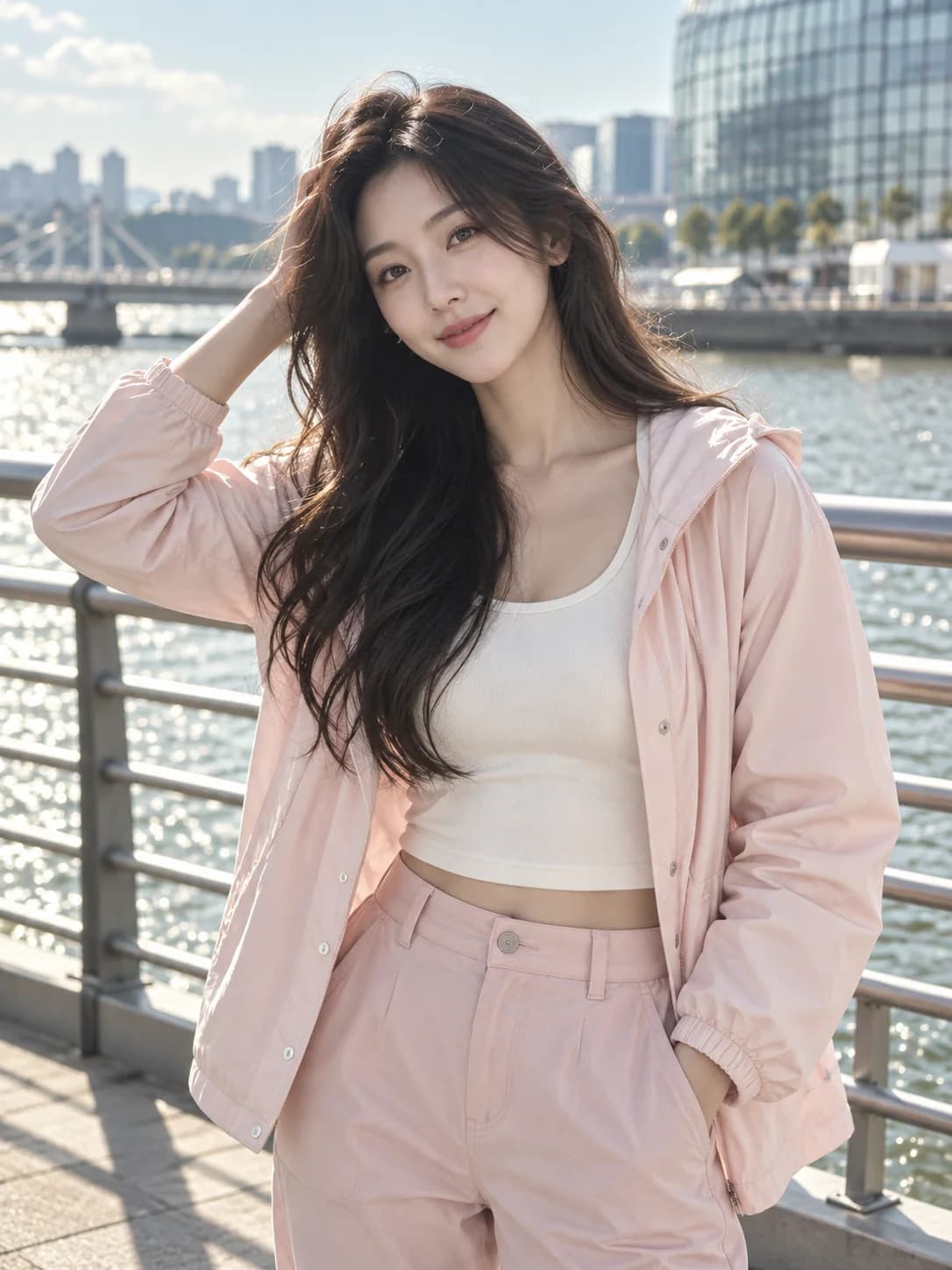
Waterfront cartoon
A bright, friendly character in a casual waterfront look.
AI-generated reference
3D preview
The 3D preview loads when you scroll near it.
Drag to rotate · scroll to zoom
Photo to 3D Avatar · AI 3D Tools
Turn a photo into a stylized full-body 3D avatar. Choose a look, generate the model, and inspect it in your browser.
Drag to rotate · scroll to zoom
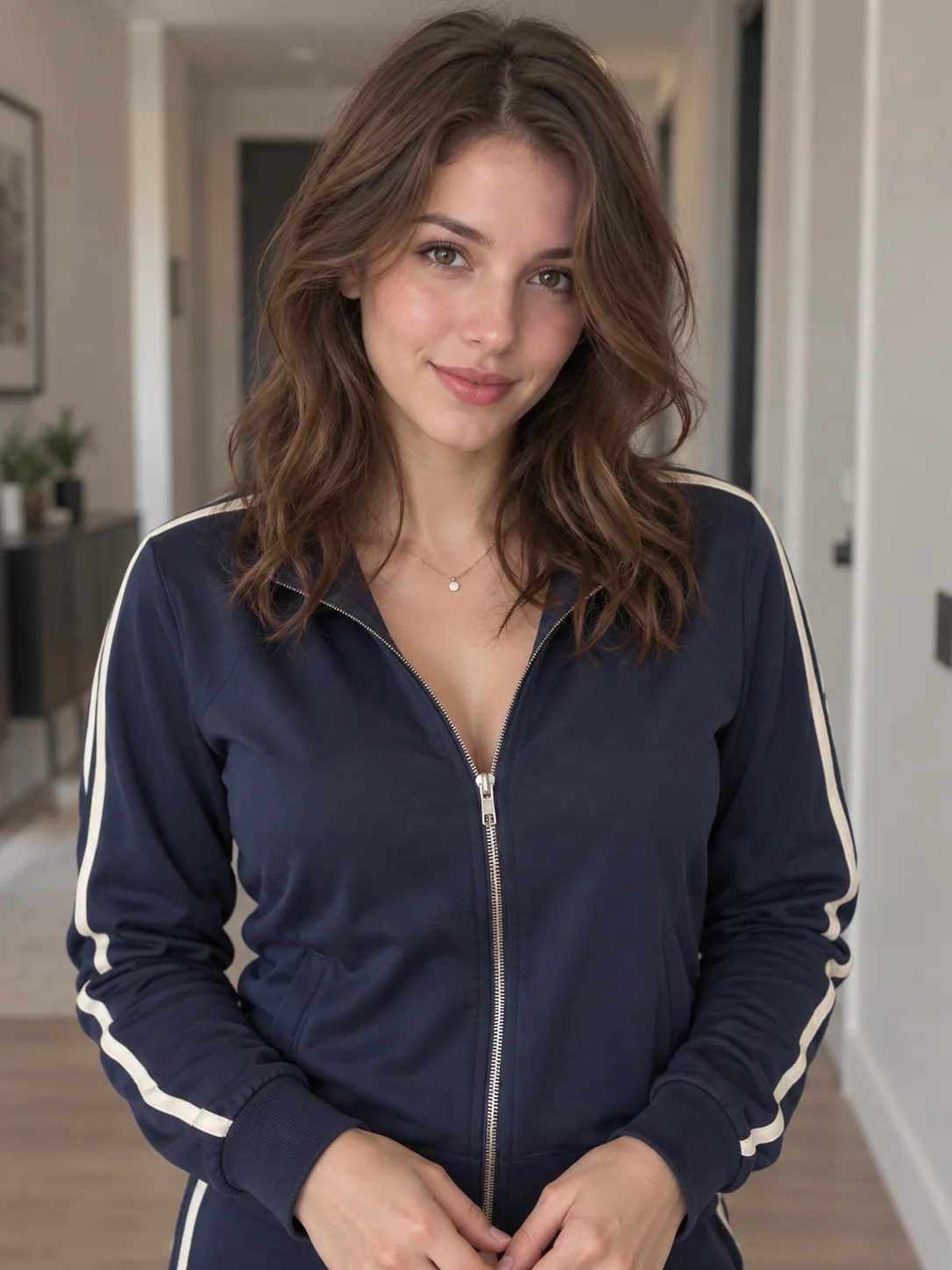
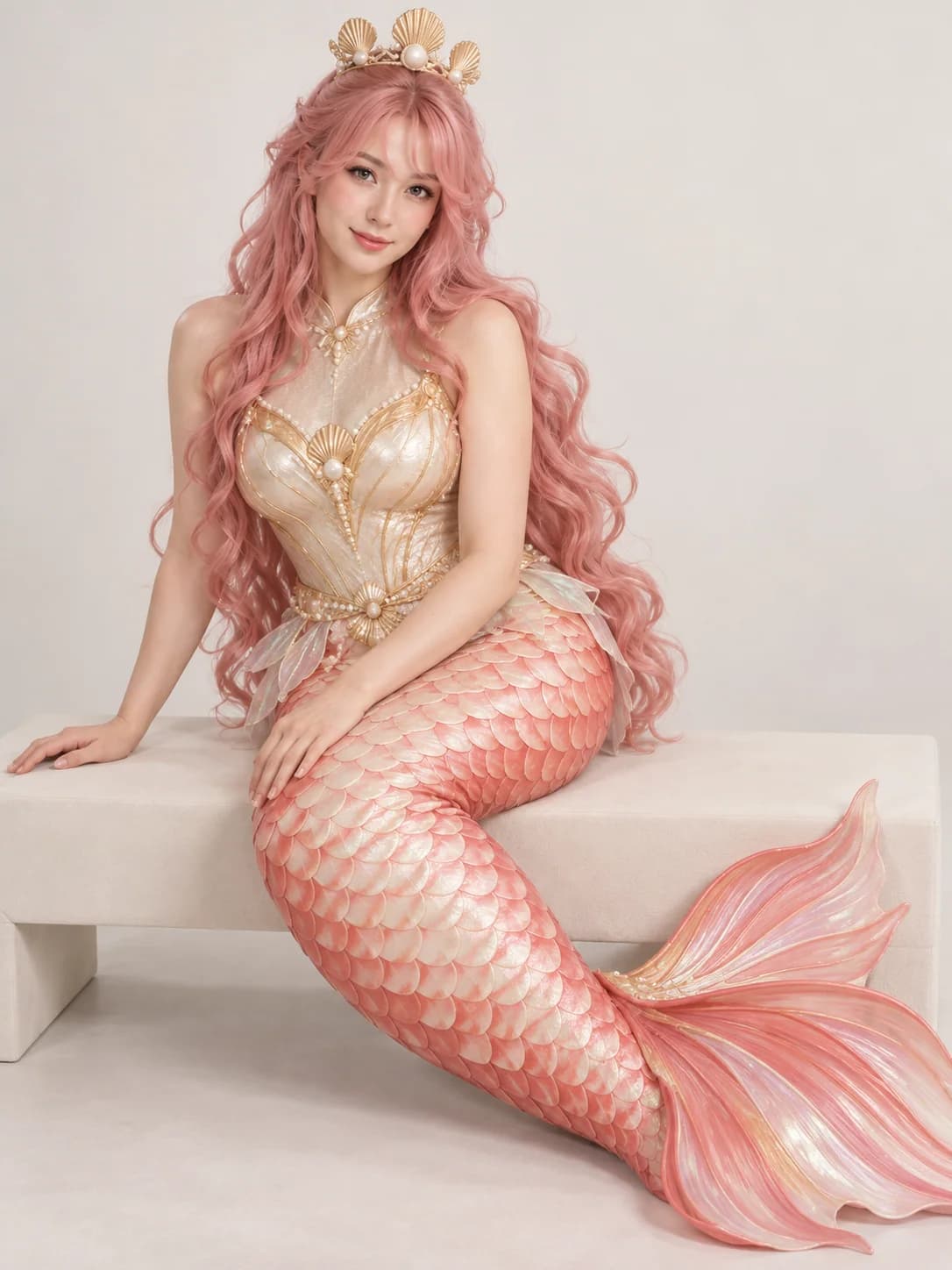
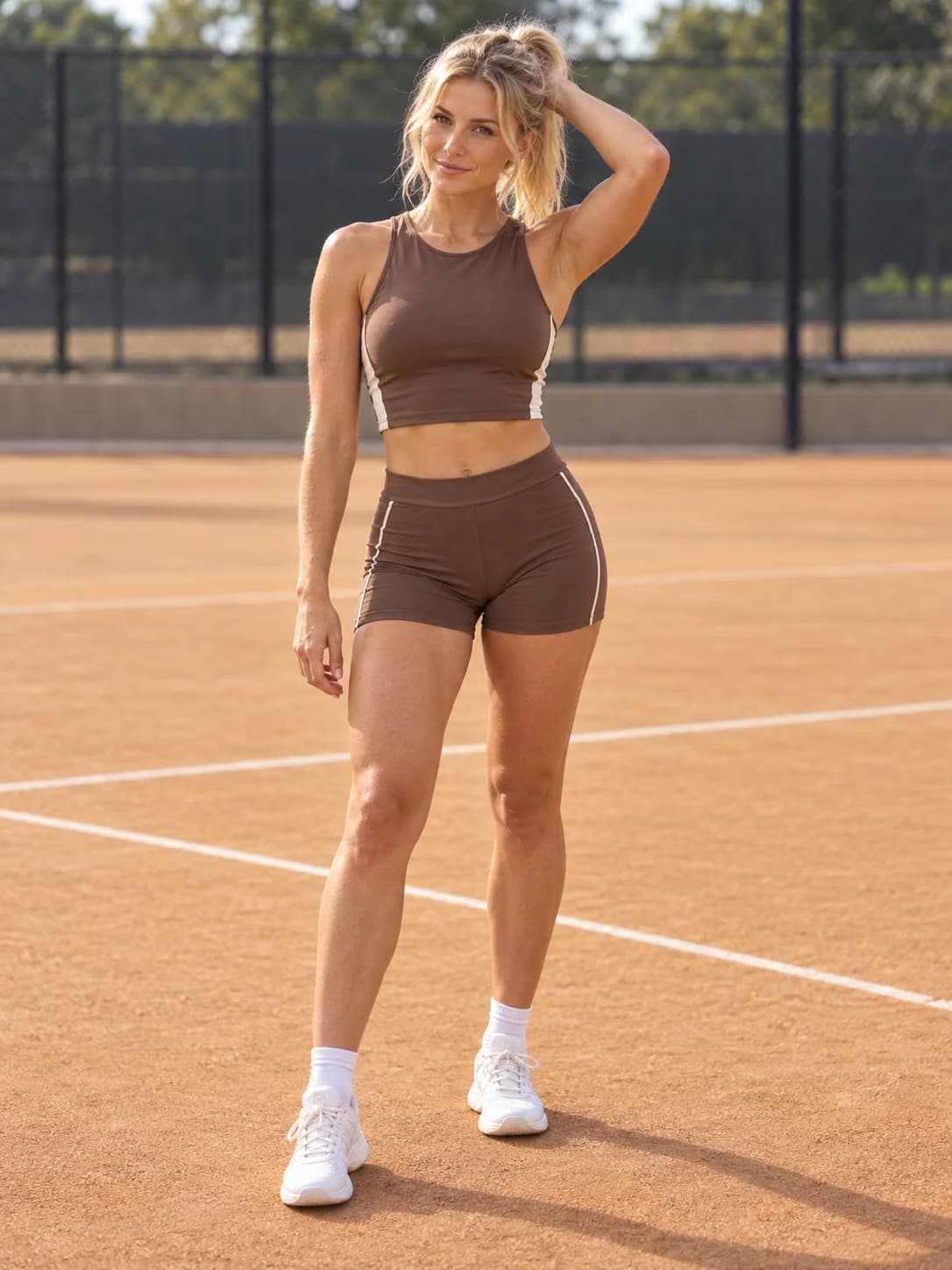
Each AI-generated reference photo is paired with a stylized full-body 3D avatar.
A bright, friendly character in a casual waterfront look.
Drag to rotate · scroll to zoom
A playful sports outfit interpreted as a soft clay figure.
Drag to rotate · scroll to zoom
A colorful mermaid-inspired full-body character.
Drag to rotate · scroll to zoom
A clean studio-style character wearing a tennis outfit.
Drag to rotate · scroll to zoom
Make a 3D avatar from a photo online with a free first generation. Upload a clear image, choose a style, and explore your avatar in the browser.
Choose one person with their face and outfit visible. Even light and a simple background help the model read the photo.
Pick Studio, Cartoon, or Clay. You can add a short prompt for colors, clothing, or finish.
AI first completes a stylized full-body image, then turns it into a textured 3D model.
Rotate and zoom the avatar in your browser, then download the textured GLB when you are ready.
The image stage can infer body details outside the crop. Body shape and facial likeness are not guaranteed. The result is a textured, unrigged static GLB.
Yes. The first successful avatar is free. Each later avatar costs 100 credits. The browser demo is available without signing in.
Use one person in clear light, with the face and outfit visible. A simple background helps.
No exact likeness is guaranteed. The image model infers details and may change facial or body features.
No. The output is an unrigged static textured GLB.
JPG, PNG, and WEBP images up to 10 MB are supported.